
Tampa’s city-document search has moved: your OnBase guide |
A practical route to ordinances, resolutions and executive orders—and the date filter that can trip up a search |

Tampa Front Porch Staff · November 2, 2026 Looking up a Tampa ordinance should not require guessing which old bookmark still works. The City announced a move from SIRE Public Access to the OnBase Public Access Viewer, with the previous service scheduled to go offline October 28. For residents following a neighborhood decision or checking a city action, the new address is worth saving. The viewer covers executed executive orders, ordinances, resolutions and Community Redevelopment Agency resolutions. Its collection runs from 2019 to the present. For older records in those categories, the portal directs readers to the City Clerk’s Office at CityClerkStaff@tampagov.net. See the City’s transition announcement. 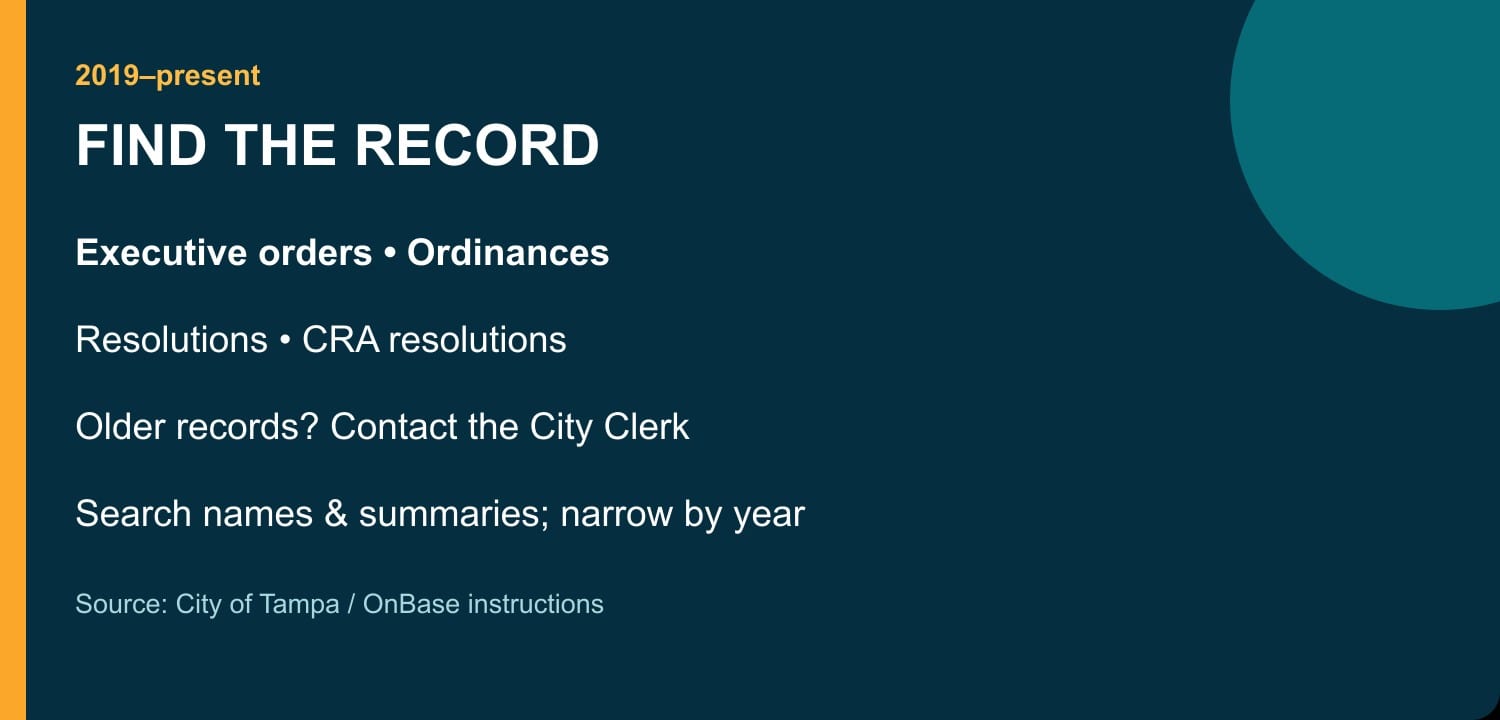 Start small, then narrow the resultsChoose the document category and enter a search term of at least three characters. The City’s instructions say the Search Term box searches document names and summaries; do not assume it searches every word inside every file. Quotation marks can help with an exact phrase, while a keyword field such as the year can reduce a long result list. One easily missed detail: the From Date and To Date fields concern when a record was added to the website. For a date belonging to the document itself, use an appropriate keyword field, such as meeting date. A broad search that times out may need tighter criteria. These steps come from the official retrieval guide. Keep the full record, not just the resultOpen a likely match and check its title, date and full text before relying on it. The instructions also cover downloading and printing; larger files may download directly. Saving the record alongside your notes makes it easier to return to the same action later. This is a useful first stop for those four categories, rather than a complete catalog of every city record. If your search falls outside its scope, ask the Clerk which archive or records process fits your request. |
0 Comments
Join the conversation
Be the first to comment
Share your thoughts above.